
Logging in-person and online training sessions in an LMS
How we converted an off-the-shelf LMS into a custom platform built on LearnDash to log in-person and online training activities for officers of a course provider for law enforcement agencies.
Problem:
Our client had built a successful training program for law enforcement using a CRM tool with an LMS-like feature, but it lacked other basic features for managing students. One of them was logging in-person and online training sessions, which the client asked me to build.
Solution:
The solution used LearnDash Groups and custom interfaces that let agency owners and sergeants log training sessions, manage agency details and generate reports, without requiring officers to interact with the system directly.
Technology used:
- LearnDash Groups
- Custom development
Agency structure and LearnDash integration.
To let some users train others, we used a key LearnDash feature called Groups. In LearnDash, group leaders can see and change the progress of their trainees, who are the group members. Some group add-ons include a third role: group owners. Owners can buy groups, manage group leaders and see reports about their groups. This three-level structure matched the client's needs perfectly. Agency owners can buy access and generate reports, while sergeants can see and change the progress of their officers. With that in mind, we reduced the need for custom development and sped up the project.
How we used the WordPress user system.
We defined three user roles to give law enforcement a tailored experience on the platform. Agency owners get a "group owner" role to purchase and manage team seats. Sergeants get a "group leader" role to log their officers' training activities. Officers have a "group member" role. They don't need to log in, but storing their data as WordPress users relies on existing structures. That storage also lets officers access the platform in the future without entering extra data.
Logging training sessions in LearnDash.
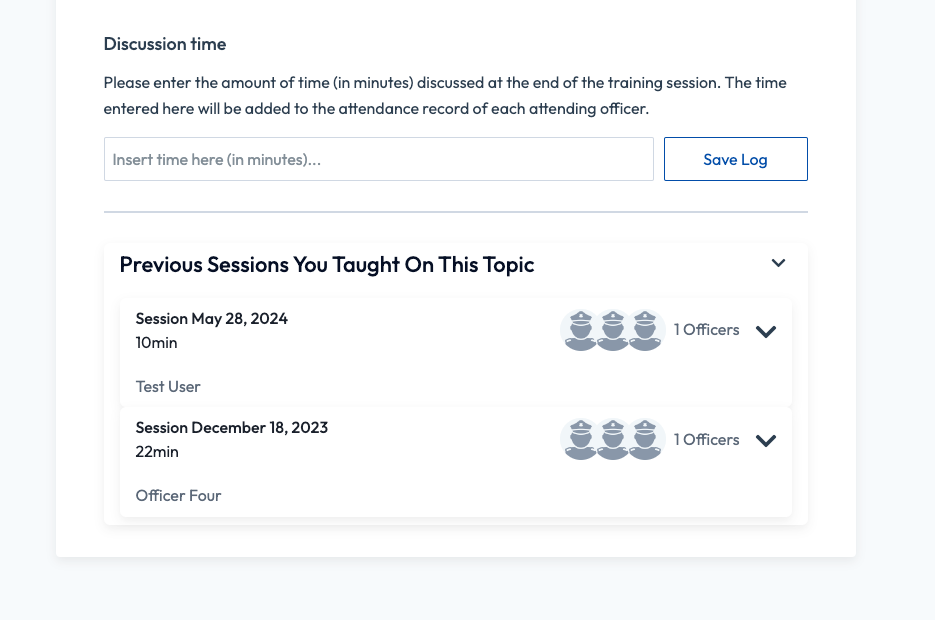
With the data structure in place, the next challenge was to make logging officers' training time as simple as possible. Out of the box, there are no front-end interfaces for this, and any management of user progress has to happen in the WordPress admin area. That is not an ideal workflow, because it can feel overwhelming to most people. We addressed this by creating two ways to log a training activity: one on a dedicated Log Session page and another embedded directly in the LearnDash lesson content, which made the process much easier and more intuitive for sergeants.
The logging page.
The page lets sergeants enter session details for their officers and teams. It offers flexible fields for the training resource title, completion date, link and duration, which makes it especially useful for tracking third-party content such as YouTube videos.
Inside the course content.
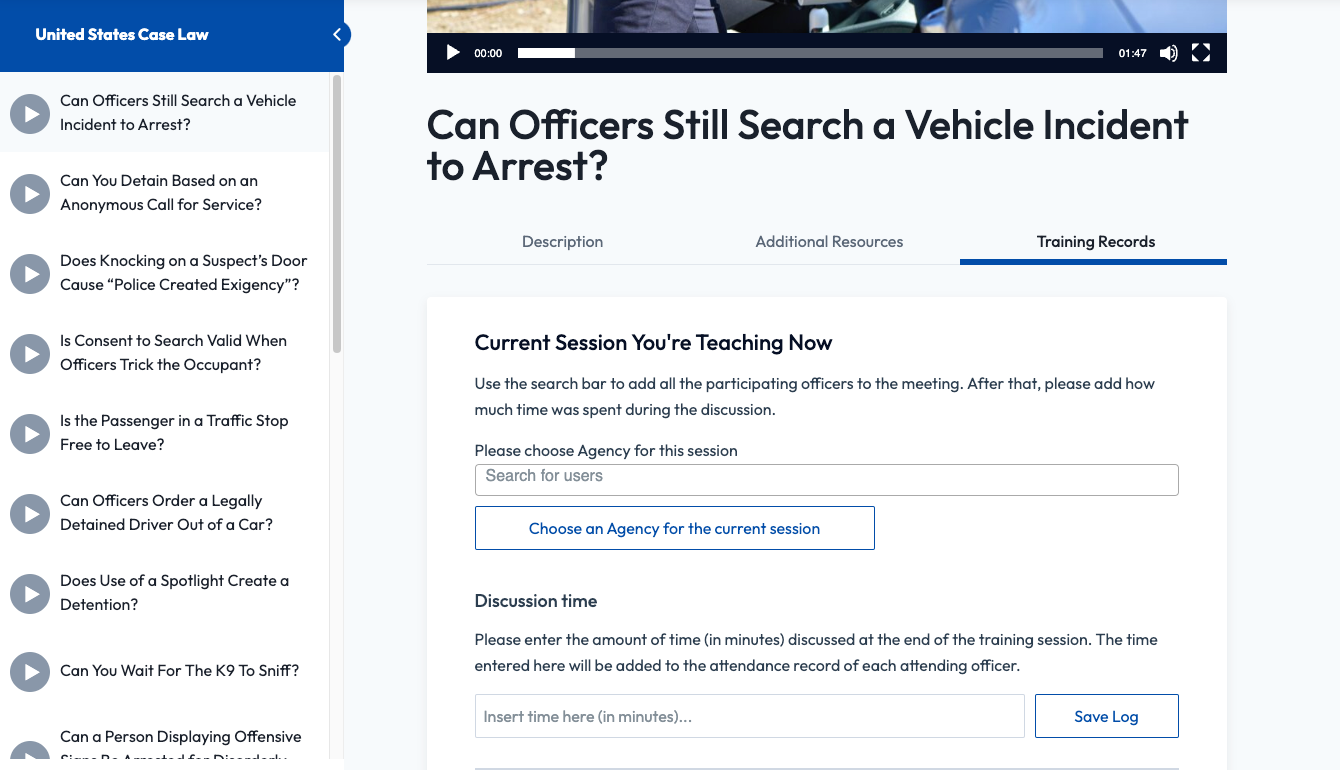
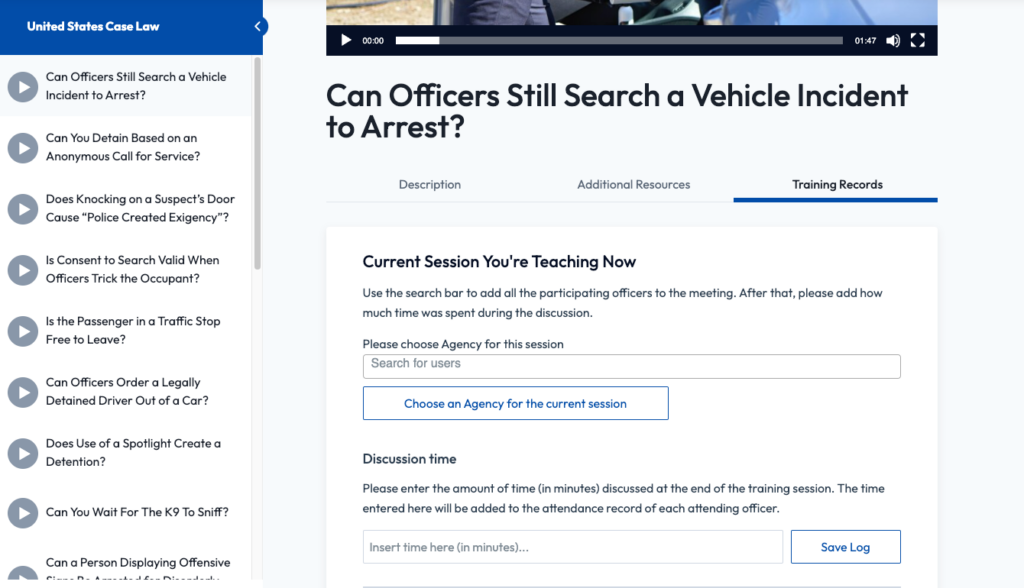
Sergeants run training sessions using the LMS content, with a form added below the lesson to select an agency and enter the discussion time. The lesson content and the sergeant's identity are saved with the training record, so detailed reports need no extra data entry. This made the process much easier and more intuitive.